Yes, CleanMyMac is safe to install from MacPaw or the Mac App Store. Apple notarizes it, which means Apple “checked it for malicious software and none was detected” (Apple Support). The real risk is not the app itself. It is deleting files without reading what they are, because MacPaw’s help pages don’t describe a way to undo a cleanup.
Who makes CleanMyMac
CleanMyMac is made by MacPaw, a company based in Kyiv with an office in Boston. MacPaw started in 2008 with CleanMyMac itself (MacPaw). It also makes Setapp, The Unarchiver, Gemini 2 and the Moonlock security tools.
The app is in the Mac App Store as “CleanMyMac” from MacPaw Way Ltd (App Store, checked November 2026). Apple says it “reviews each app in the App Store before it’s accepted” (Apple Support). The copy sold on macpaw.com is notarized, a separate automatic check for known malware.
Neither check is Apple vouching for what the app deletes. An Apple Community member made the same point: App Store presence means the developer pays Apple a share of sales (Apple Community).
What CleanMyMac removes
By default, MacPaw says CleanMyMac only offers “automatically generated system or app-related data” (MacPaw). A Safety Database of rules and exceptions per macOS version and app is meant to keep it away from data you need.
The System Junk module lists these groups (MacPaw):
- User and system cache files
- User and system log files
- Language files of apps
- iOS device backups
- Document versions
- Xcode junk
- Broken login items and broken preferences
Most of these rebuild on their own. Two don’t: iOS device backups and document versions. A deleted iPhone backup can’t restore that iPhone. Deleted document versions are the older copies macOS keeps for “Revert To” in apps like Pages.
Other modules go further. The App Store listing names an uninstaller, duplicate and similar photo finder, large and old file finder, cloud storage cleanup and mail attachment cleanup (App Store). These touch your own files, so they need the most care.
Can you undo a CleanMyMac cleanup?
We could not find a MacPaw help page that says cleaned items go to the Trash or can be restored. The Space Lens page says CleanMyMac “deletes the items from your Mac” when you click Remove (MacPaw). On Product Hunt, a MacPaw team member answered that “it is not possible to undo a cleanup” (Product Hunt). That reply was about the Cloud Cleanup feature.
MacPaw does give you two safety tools. Ignore lists keep chosen files, folders and apps out of scan results. Several modules let you review groups before removal (MacPaw).
If you need a file back, your options are a Time Machine backup or file recovery software. Treat every CleanMyMac removal as permanent unless you see the item in your Trash afterward.
The malware module
CleanMyMac includes a Protection module “Powered by Moonlock Engine” (MacPaw). MacPaw says it detects 18 types of threats, including adware, ransomware, spyware and stealers. It also watches new installations and warns about suspicious activity.
macOS has its own malware protection through Gatekeeper, notarization and XProtect (Apple Platform Security). The Moonlock module is an extra layer, not a replacement for those. Whether you need it is a separate question from whether the cleaner is safe.
What Apple Community users report
The Apple Support Community has two long threads with this exact question. The replies come from volunteers, not Apple staff. They are opinions and personal reports, not tests.
- In a June 2026 thread, one reply called it “a legit app” but warned against “indiscriminate deletion of files.” Another user said an earlier trial damaged a Photos library and over-cleaned caches (Apple Community).
- In the same thread, a user said it “won’t completely break your mac” and has no virus, but called it unnecessary (Apple Community).
- In a July 2024 thread, a top reply said the duplicate file tool had removed needed files for some users. It advised using the app’s own uninstaller to remove it (Apple Community).
The common thread is deletion and leftovers after uninstalling. None of these reports call the app malware. We found no independent test showing that CleanMyMac damages a Mac when used as documented.
The real security risk: fake CleanMyMac sites
The app is safe, but copies of it are not. Moonlock, MacPaw’s own security team, found fake CleanMyMac download sites spreading Atomic Stealer in 2024 (iMore). In March 2026, Malwarebytes reported a fake site that asked visitors to paste a Terminal command and installed SHub Stealer (Malwarebytes).
Download CleanMyMac only from macpaw.com or the Mac App Store. Never paste a Terminal command from a download page. Avoid “cracked” copies.
Price and subscription
CleanMyMac is a subscription by default. MacPaw lists $39.95 per year for one Mac (MacPaw, checked November 2026). In the Mac App Store, the yearly plan is $39.99, Plus Yearly is $65.99, and a one-time purchase is $89.99 (App Store, checked November 2026). It is also part of Setapp. The CleanMyMac alternative page has more price details.
How to check before you delete
-
Check your download. In Terminal, ask Gatekeeper about the app. A genuine copy shows
acceptedand MacPaw as the developer. The app name may differ by version.# check the signature and notarization of the installed app spctl -a -vv /Applications/CleanMyMac.app -
Back up first. Run a Time Machine backup before your first large cleanup. Apple explains the steps in Back up your Mac with Time Machine.
-
Skip one-click cleaning the first time. Open each group and read what is selected. Uncheck iOS device backups and document versions unless you know you don’t need them.
-
Be slow with your own files. Duplicates, large files and photos are your data, not junk. Look at each one before removing it.
-
Use the Ignore list. Add folders you never want touched, such as a Photos library or project folders.
-
Test one small item. Remove something you don’t need and look in the Trash. If it isn’t there, every removal is final.
-
Uninstall properly if you stop using it. Use the uninstall steps MacPaw gives, so its helper and settings files go too.
Do it in PixelDisk
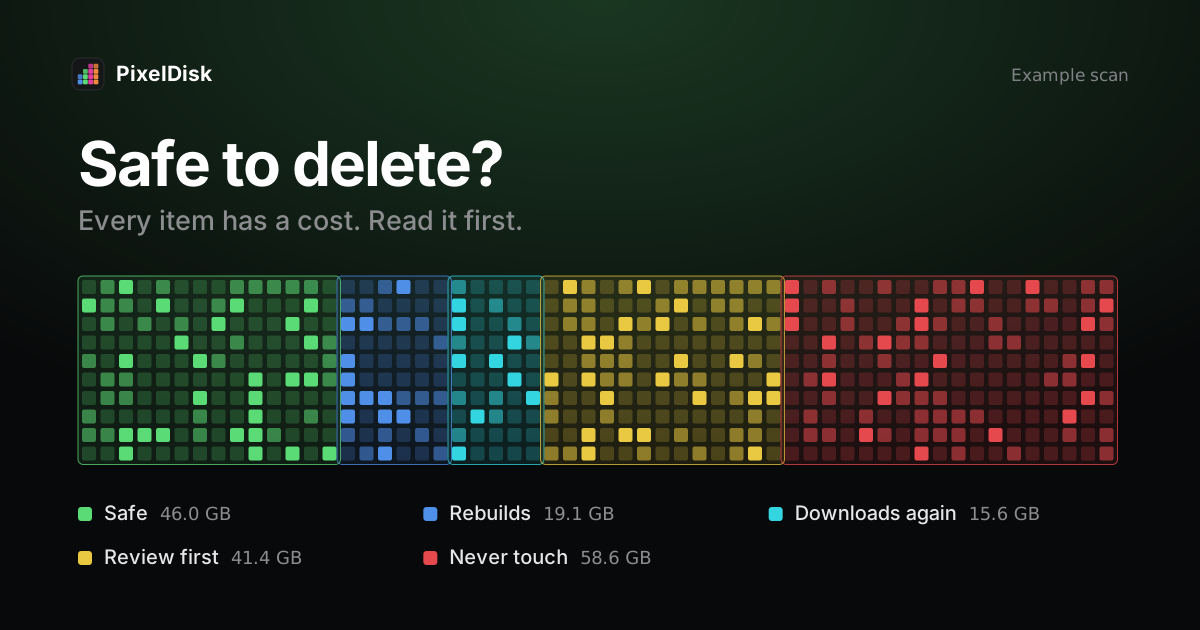
PixelDisk is a narrower tool than CleanMyMac. It only frees disk space and has no malware scan or memory tools. In Safe mode, the default, your own files go to the Trash and caches and build files are deleted at once because they rebuild. Every removal is logged in History, and items still in the Trash can be put back. Each item says what removing it costs, such as “Downloads again”. Scanning is free; cleaning is a $19 one-time unlock (pricing).
Compare it with CleanMyMac on the CleanMyMac alternative page, or see all comparisons.
Sources
Checked November 2026.
- Apple Support, Safely open apps on your Mac: https://support.apple.com/en-us/102445
- Apple Platform Security, Protecting against malware in macOS: https://support.apple.com/guide/security/protecting-against-malware-sec469d47bd8/web
- Apple Support, Back up your Mac with Time Machine: https://support.apple.com/en-us/104984
- Mac App Store, CleanMyMac: https://apps.apple.com/us/app/id1339170533
- MacPaw, About: https://macpaw.com/about
- MacPaw, CleanMyMac safety considerations: https://macpaw.com/support/cleanmymac/knowledgebase/cleanmymac-safety
- MacPaw, Remove system junk: https://macpaw.com/support/cleanmymac/knowledgebase/system-junk
- MacPaw, Space Lens review and remove items: https://macpaw.com/support/cleanmymac/knowledgebase/space-lens-cleanup
- MacPaw, Malware removal: https://macpaw.com/support/cleanmymac/knowledgebase/malware-removal
- MacPaw, CleanMyMac store: https://macpaw.com/store/cleanmymacupgrade
- Product Hunt, Cloud Cleanup in CleanMyMac: https://www.producthunt.com/p/macpaw/cloud-cleanup-in-cleanmymac?page=2
- Apple Community, Is CleanMyMac safe for Mac?: https://discussions.apple.com/thread/256318329
- Apple Community, Is CleanMyMac app safe to use?: https://discussions.apple.com/thread/255675416
- iMore, Beware fake CleanMyMac apps: https://imore.com/apps/mac-apps/beware-fake-cleanmymac-apps-that-try-to-steal-your-passwords-and-data-company-behind-the-app-warns
- Malwarebytes, Fake CleanMyMac site installs SHub Stealer: https://www.malwarebytes.com/blog/threat-intel/2026/03/fake-cleanmymac-site-installs-shub-stealer-and-backdoors-crypto-wallets