Free up disk space on a Mac
Where the space on a Mac usually goes, and how to get it back by hand: which folders are safe to clear, which commands to run, and what each step costs you later. Every guide ends with how PixelDisk does the same in one click.
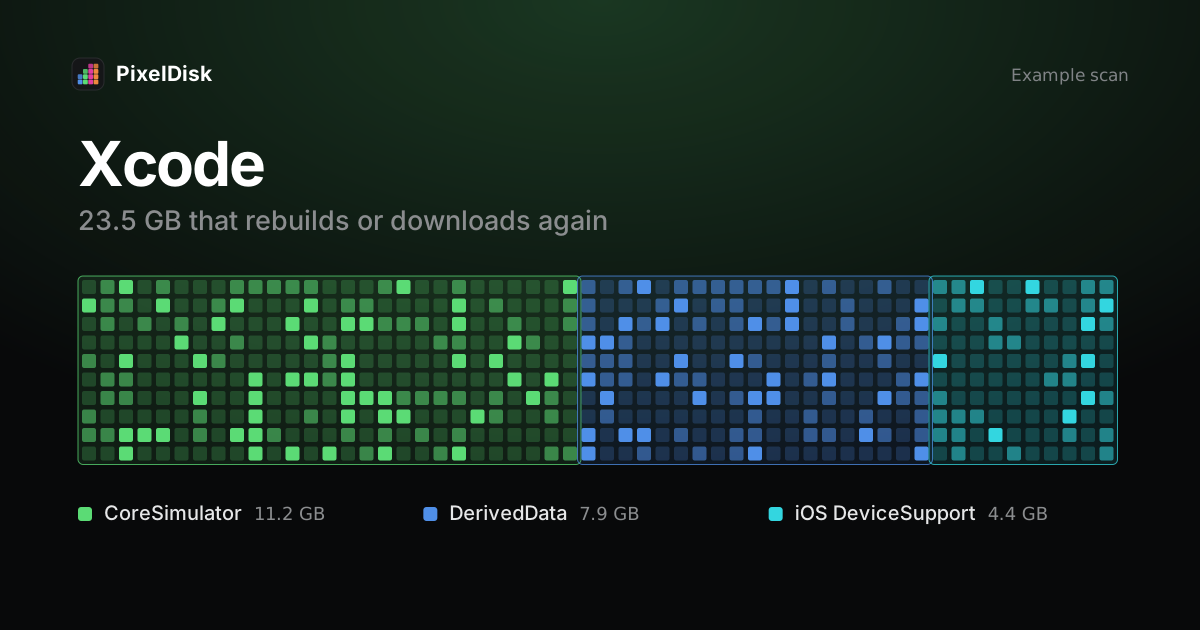
How to clear Xcode DerivedData and simulators safely
Delete ~/Library/Developer/Xcode/DerivedData, old iOS DeviceSupport and unused simulator runtimes. What each costs: slower build or a re-download.
Read the guide →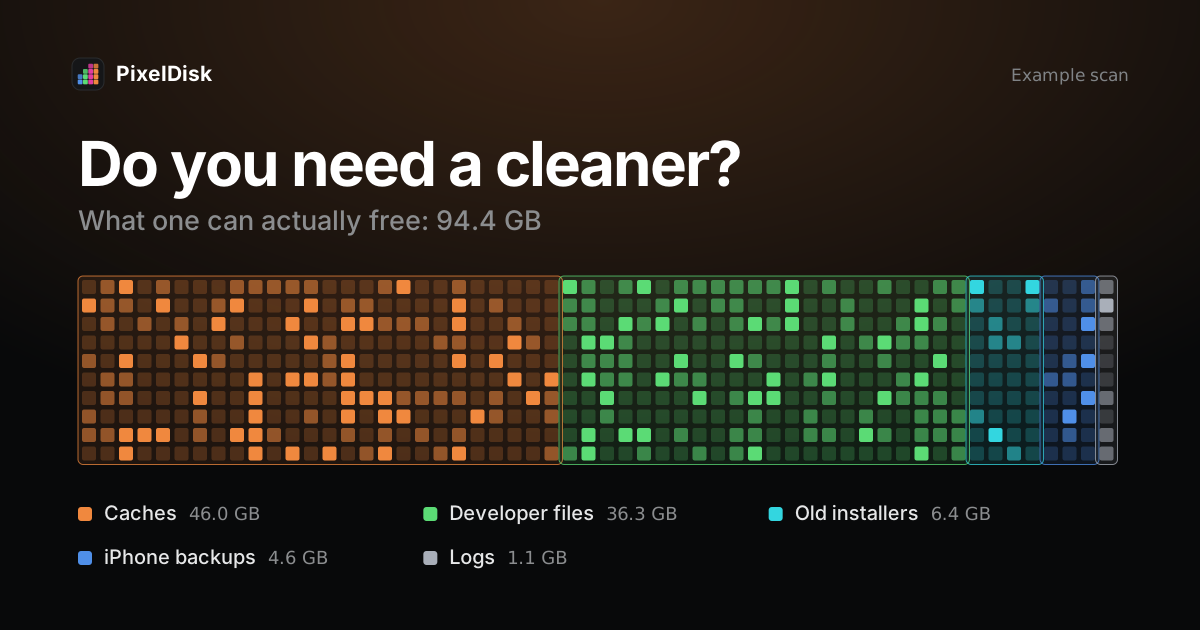
Do you need a Mac cleaner?
Most Macs don't need a cleaner app. macOS clears caches when space runs low and manages memory itself. When a cleaner helps, and what to check before you buy.
Read the guide →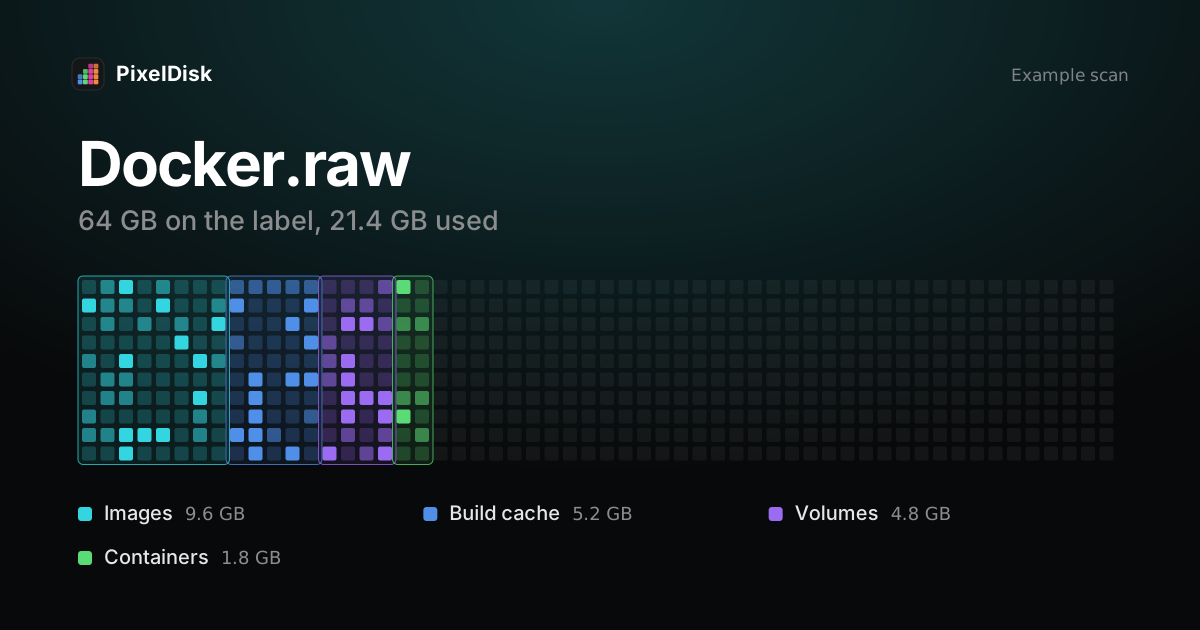
Why Docker.raw takes so much space on Mac and how to shrink it
Docker.raw holds every image, container, volume and build cache. Check it with docker system df, prune by kind, and know when deleting it resets Docker.
Read the guide →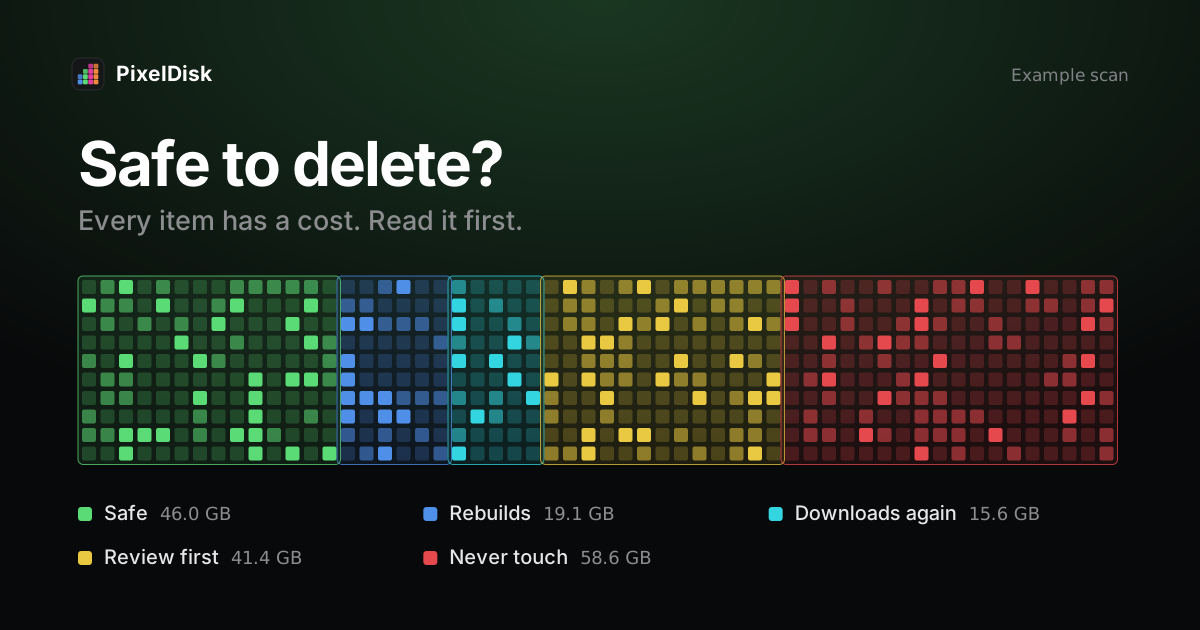
Is CleanMyMac safe to use?
CleanMyMac is notarized by Apple and sold on the Mac App Store. The real risk is deleting files you didn't read about. What it removes and how to check first.
Read the guide →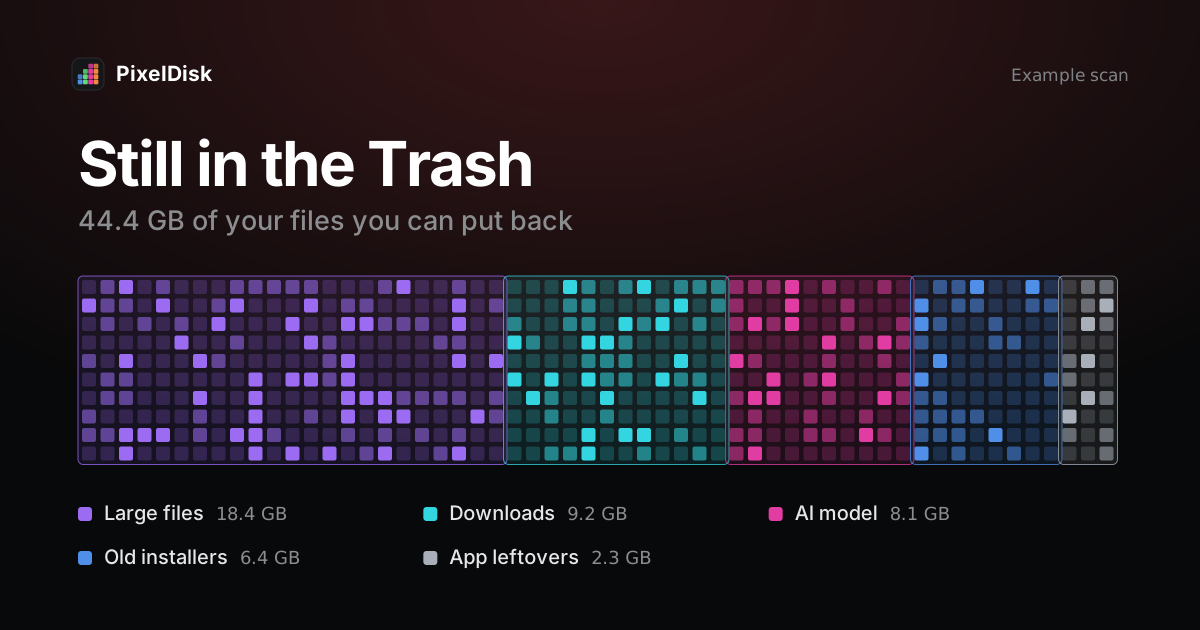
Which Mac cleaners move files to the Trash so you can undo?
Which Mac cleaners move files to the Trash, which delete permanently, and which keep an undo history. 13 tools checked against vendor docs, November 2026.
Read the guide →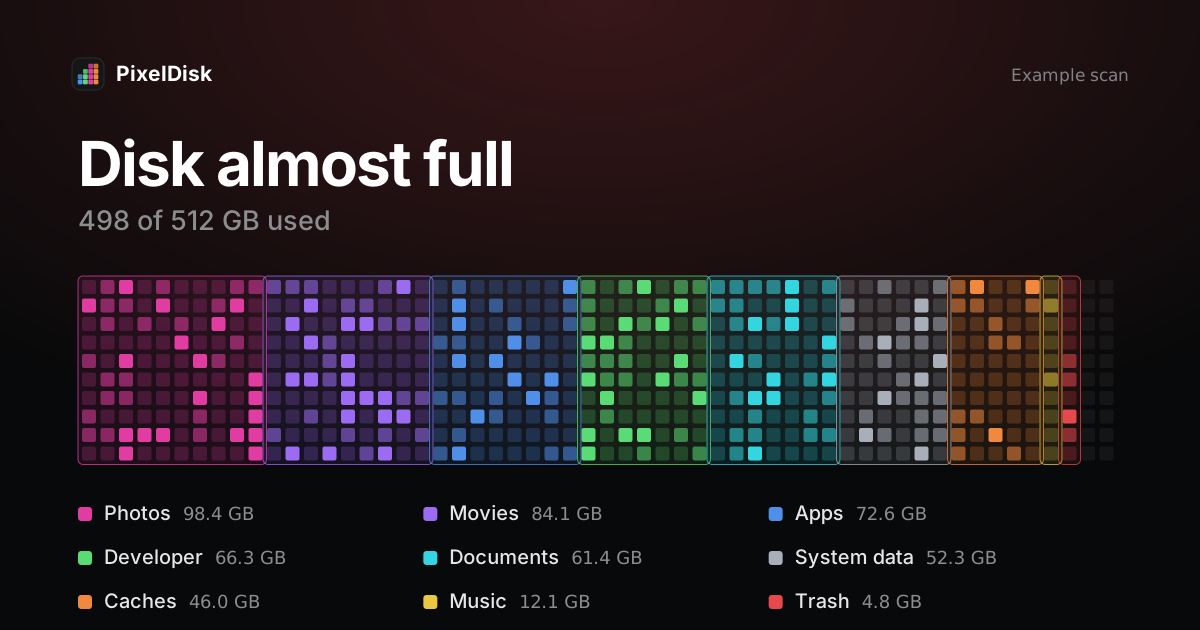
My Mac's startup disk is almost full: what should I delete first?
Startup disk almost full on your Mac? See what fills it, then delete in order of space freed vs risk: Trash, installers, caches, backups, snapshots, dev files.
Read the guide →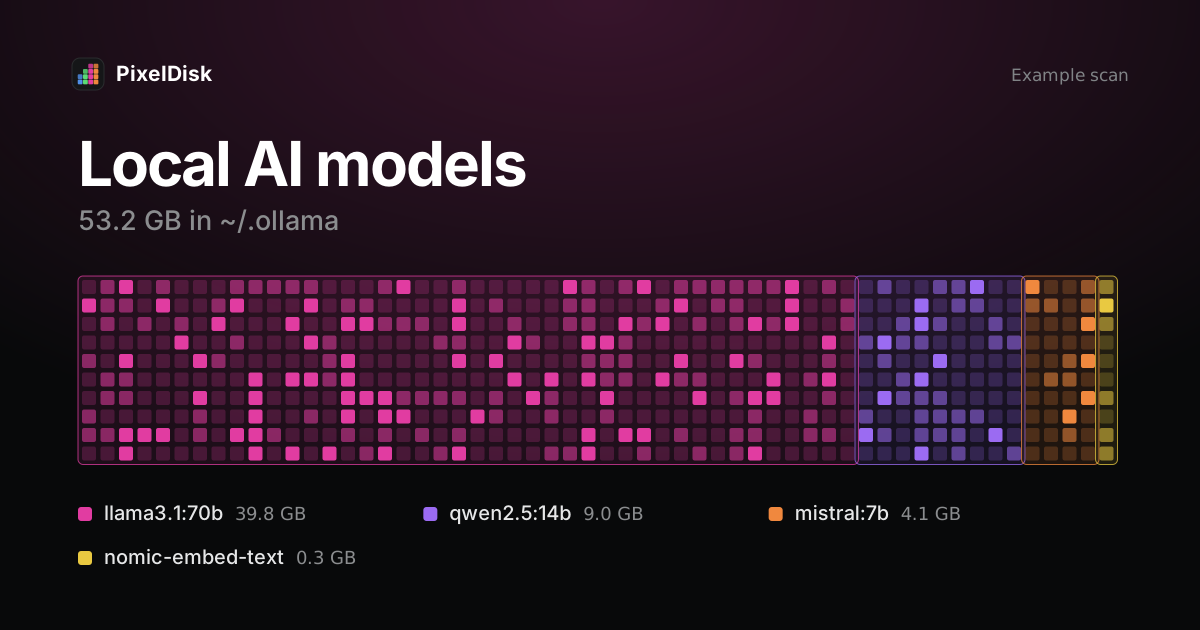
Where Ollama, LM Studio and Hugging Face keep models on Mac, and how to remove them
Ollama uses ~/.ollama/models, LM Studio ~/.lmstudio/models, Hugging Face ~/.cache/huggingface/hub. How to list and remove models without breaking them.
Read the guide →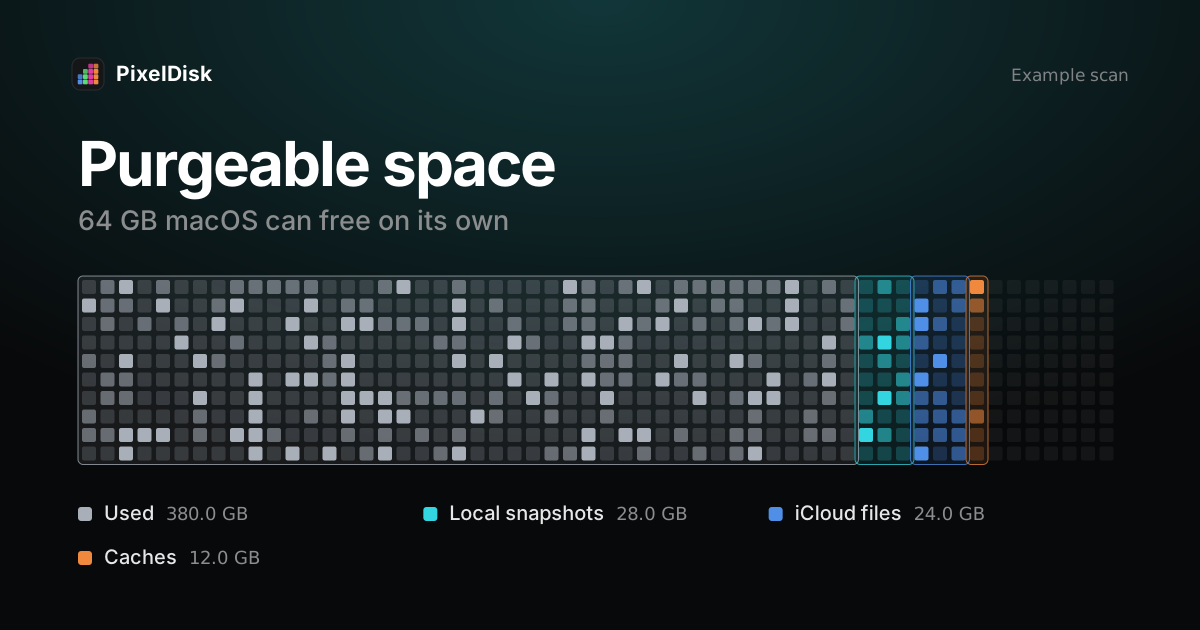
What is purgeable space on Mac and how do I get rid of it?
Purgeable space is disk space macOS can free on its own: caches, iCloud copies, local snapshots. Why free space differs between tools and how to release it.
Read the guide →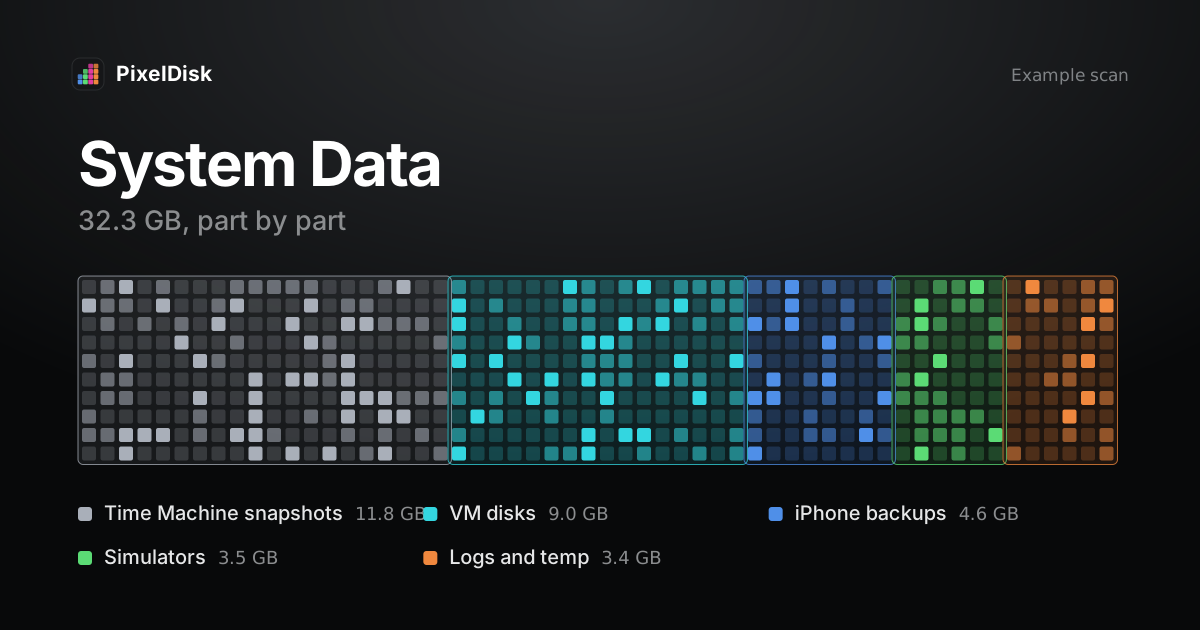
What is System Data on Mac and how to reduce it
System Data is the Mac storage catch-all: snapshots, caches, developer files, VM disks and backups. Find what's inside and remove the safe parts.
Read the guide →Choosing an app? See how PixelDisk compares with other Mac cleaners.