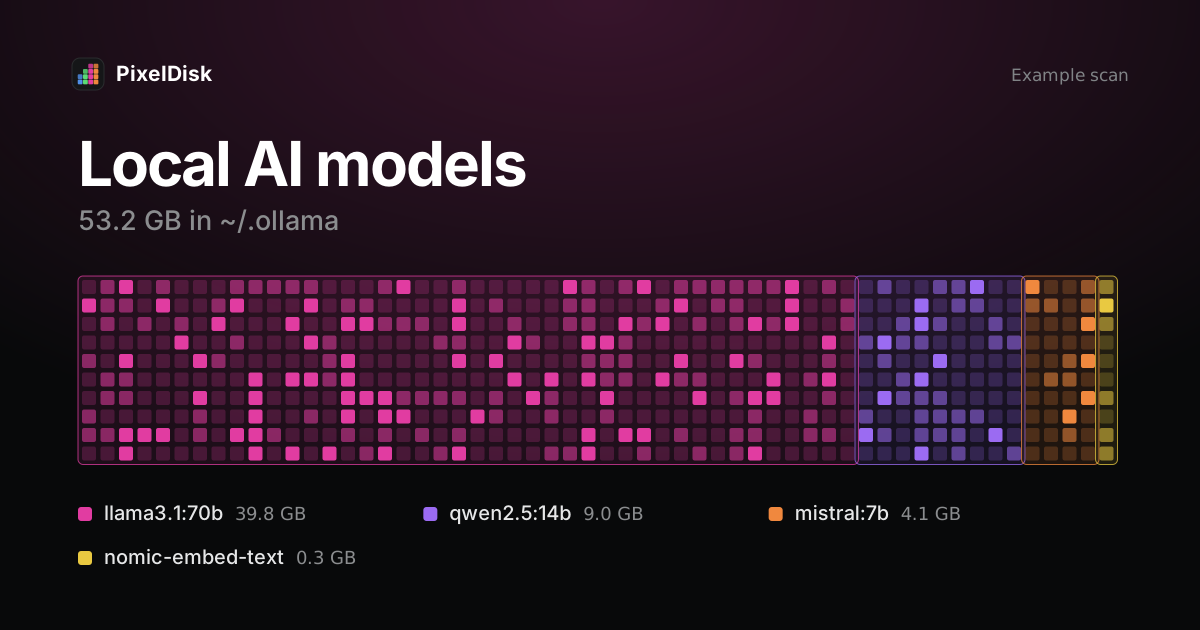
Ollama stores models in ~/.ollama/models on macOS (Ollama FAQ). LM Studio uses ~/.lmstudio/models (LM Studio Docs), and the Hugging Face cache uses ~/.cache/huggingface/hub (Hugging Face Docs). Remove Ollama models with ollama rm <model> and Hugging Face models with hf cache rm.
Where each tool keeps models
| Tool | Default path | Change it with | Remove with |
|---|---|---|---|
| Ollama | ~/.ollama/models |
OLLAMA_MODELS env var |
ollama rm <model> |
| LM Studio | ~/.lmstudio/models |
My Models tab in the app | The app, or Finder |
| Hugging Face | ~/.cache/huggingface/hub |
HF_HOME or HF_HUB_CACHE |
hf cache rm |
All three are hidden folders. They don’t show up in Documents, so on the Storage screen they often end up under a vague category. See what System Data is.
To check sizes:
du -sh ~/.ollama/models ~/.lmstudio/models ~/.cache/huggingface/hub 2>/dev/nullOllama
Ollama splits each model into shared layer files under blobs and small manifests under manifests. Two models can share a layer, so delete through Ollama, not Finder.
# list models
ollama ls

# remove one
ollama rm llama3.2
Both commands are in the Ollama CLI reference. ollama stop only unloads a model from memory; it frees no disk space.
If you moved models with OLLAMA_MODELS, they are in that folder instead. For the Mac app, Ollama says to set the variable with launchctl setenv and restart the app (Ollama FAQ).
Cost of removing: the model downloads again the next time you run it.
LM Studio
LM Studio’s docs show the layout ~/.lmstudio/models/publisher/model/model-file.gguf (LM Studio Docs). You can change the folder in the My Models tab (LM Studio Docs). Older versions used other paths, so check the tab if the folder is empty.
# list models LM Studio sees on disk
lms ls
The lms CLI lists and unloads models but has no delete command (LM Studio CLI). Delete a model from the My Models tab, or quit LM Studio and move the model’s folder to the Trash. Quit first so you don’t remove a file that is loaded.
Cost of removing: you download the model again from the app.
Hugging Face cache
The cache is shared by transformers, diffusers and other libraries. It keeps old revisions when a model updates, so it grows over time. The docs say “cached files are never deleted from your local directory” (Hugging Face Docs).
# list cached repos with sizes
hf cache ls

# preview, then delete one repo
hf cache rm model/bert-base-cased --dry-run
hf cache rm model/bert-base-cased

# remove revisions no branch or tag points to, plus partial downloads
hf cache prune
Use these commands instead of deleting folders. Files in snapshots are symlinks to blobs, and one blob can serve several revisions. hf cache rm deletes permanently; it asks before it runs.
Separately, ~/.cache/huggingface/xet holds upload data for Xet storage. The docs say you can remove it entirely to reclaim space (Hugging Face Docs).
Cost of removing: the model downloads again on next use.
What to remove first
- Models you tried once and didn’t keep using.
- Several quantizations of the same model. Keep the one you run.
- Old Hugging Face revisions, with
hf cache prune. - Duplicates: the same model pulled in Ollama and downloaded in LM Studio takes space twice.
Before you remove a model, check which apps use it. Tools such as Open WebUI or an editor plugin may point at an Ollama model by name, and they stop working until you pull it again. A Hugging Face model may be used by several Python projects at once, since they share one cache.
For other developer space, see Docker.raw and Xcode DerivedData and simulators.
Do it in PixelDisk
PixelDisk finds Ollama, LM Studio and Hugging Face models in their default folders and lists each model with its size and the label “Downloads again”. It skips files open in a running app. In Safe mode, the default, removed models go to the Trash and into History, so you can put one back without downloading it. Full mode deletes them at once. Scanning is free; cleaning is a $19 one-time unlock (pricing).
Sources
Checked November 2026.
- Ollama, FAQ: https://docs.ollama.com/faq
- Ollama, CLI reference: https://github.com/ollama/ollama/blob/main/docs/cli.mdx
- LM Studio Docs, Import models: https://lmstudio.ai/docs/app/advanced/import-model
- LM Studio Docs, Download an LLM: https://lmstudio.ai/docs/app/basics/download-model
- LM Studio Docs, lms CLI: https://lmstudio.ai/docs/cli
- Hugging Face Docs, Manage huggingface_hub cache-system: https://huggingface.co/docs/huggingface_hub/guides/manage-cache